A friend mentions a novel. A review makes another sound irresistible. You save a bookstore photo, bookmark a social-media recommendation, and add a favorite author’s new release. Later, the titles are still there, but the reasons you wanted them are harder to remember.
If choosing your next book has become the difficult part, learning how to build a TBR list can help. The aim is a flexible system for keeping recommendations, sorting priorities, maintaining a current shortlist, and removing books that no longer appeal.
You do not need to collect every potentially interesting book. You need a list that makes your next reading decision easier.
What Is a TBR List?
TBR means To Be Read. A TBR list is a collection of books you may want to read in the future. Adding a title records an interest, not a promise to finish it.
- TBR list: books you want to consider reading.
- Reading log: books you have completed.
- Reading journal: your thoughts and reflections on reading.
- Reading goals: optional intentions or targets.
These can complement one another, but your unread list does not need to become a review journal or a performance tracker.
Why Your TBR List Keeps Growing
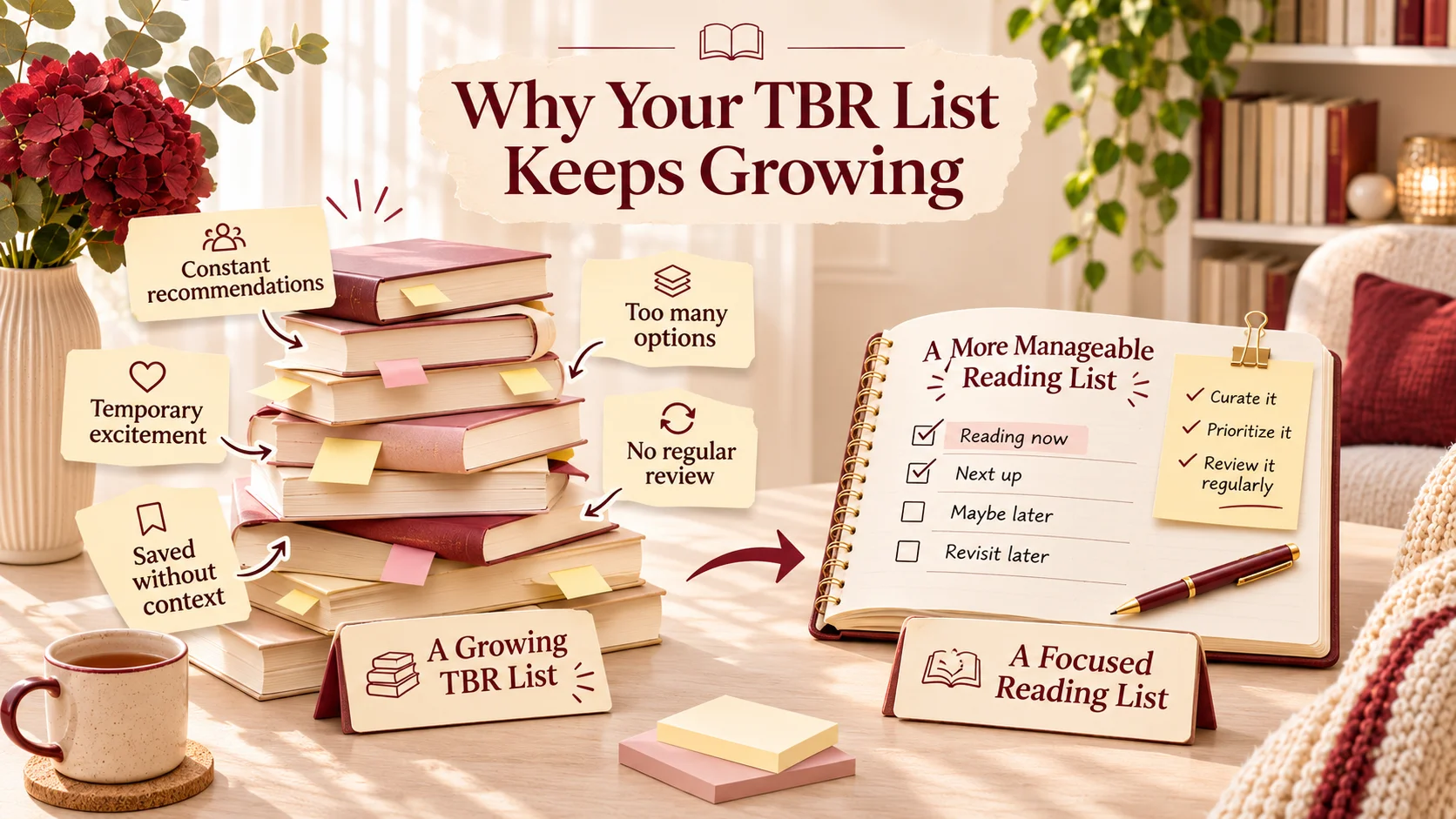
- New recommendations arrive faster than you can explore them.
- Temporary excitement can turn into a saved title before you consider whether it suits you.
- A title without a reason becomes difficult to assess months later.
- Saved books can start to feel like obligations.
- Immediate interests and vague future possibilities sit together without a clear distinction.
- Old entries remain because nobody has reviewed or removed them.
A long list is not inherently a problem. It becomes a problem when it stops helping you find something you want to read.
How to Build a TBR List in 7 Simple Steps
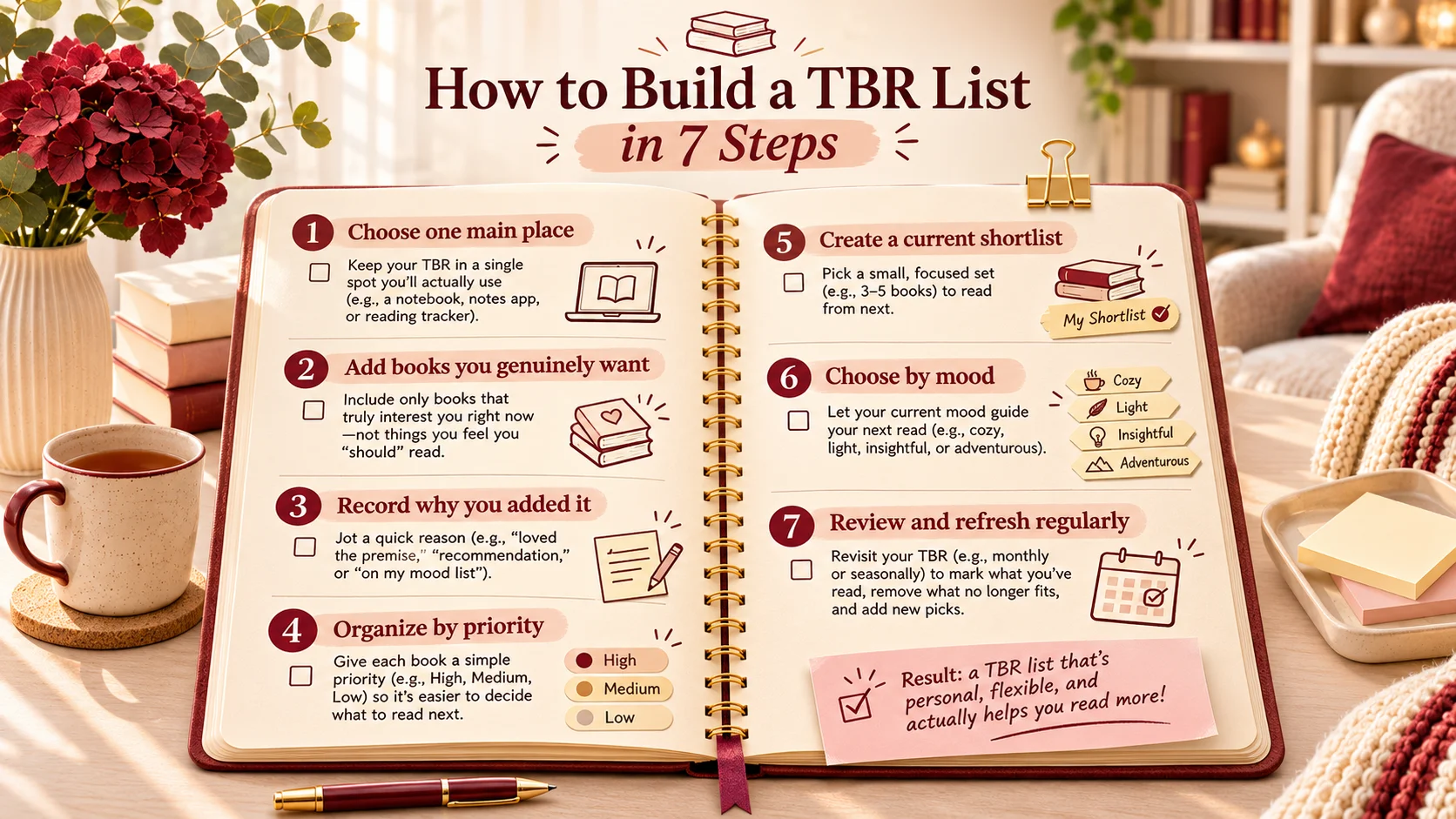
Step 1: Choose One Main Place for Your TBR
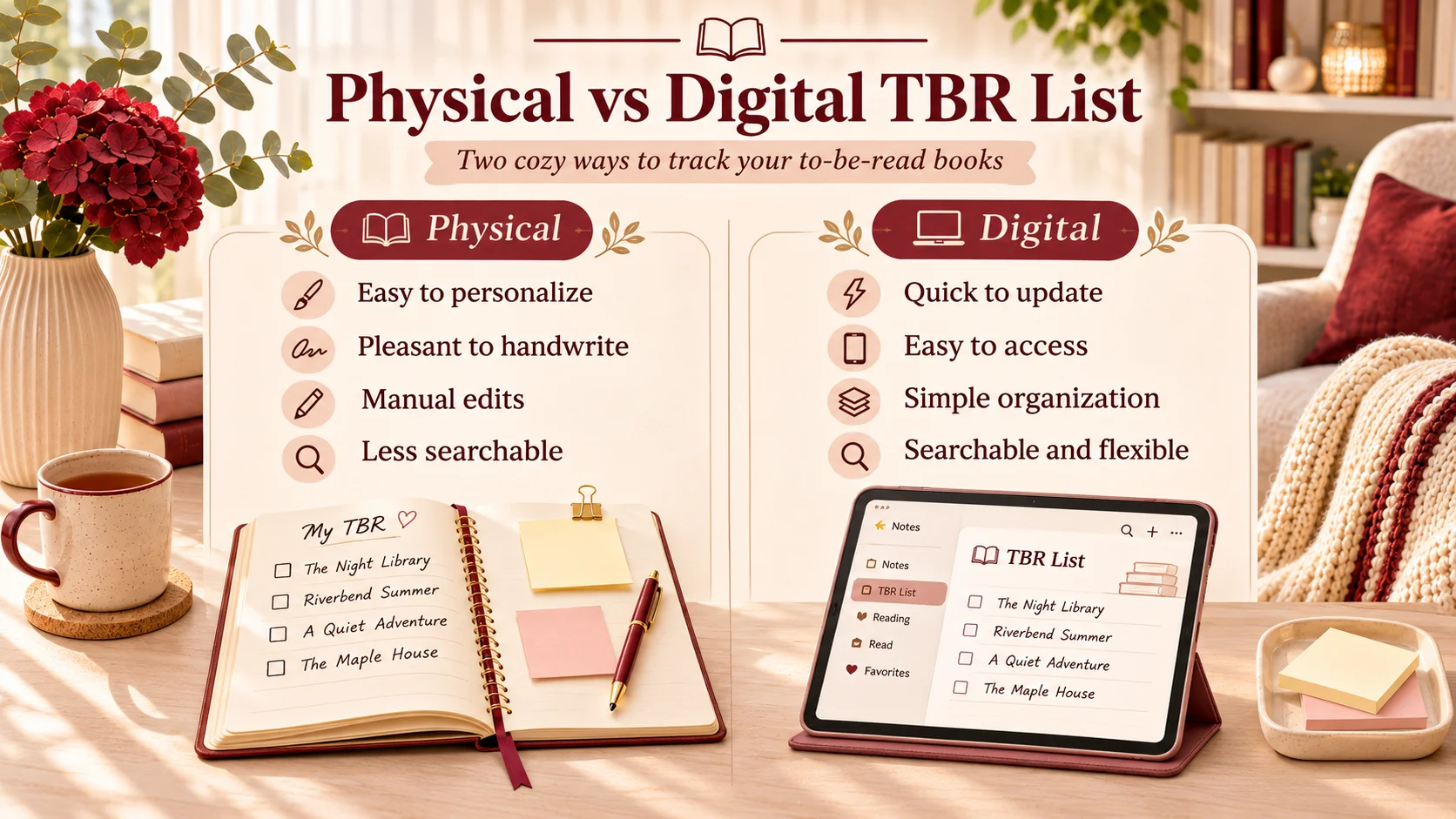
Use a notebook for a handwritten list, a notes app for quick additions, a spreadsheet for sorting, or a dedicated reading app if its features suit you. A notebook is easy to personalize but requires manual edits. A digital list can be easier to search or rearrange, depending on the tool.
Choose one primary place for the current list. Recommendations can still arrive everywhere. Keep an inbox section in that same place, then transfer saved photos, messages, or links into it during a brief review instead of maintaining several competing lists.
Step 2: Add Books You Genuinely Want to Read
Before adding a book, ask whether its premise interests you, whether the genre suits your current tastes, and whether you would still be curious without the popularity around it. A recommendation can be useful without becoming an assignment.
If the only reason is that everybody seems to be reading it, leave it in the inbox until you have looked at the description. You can choose not to promote it to the main list.
Step 3: Record Why You Added Each Book
Add a short Why I Added It field while the appeal is fresh. A few words are enough: “friend recommended it,” “liked this author’s previous book,” “coastal setting,” “short mystery,” or “next in a series.”
Keep the reason separate from the source. “Friend’s message” tells you where it came from; “wants a clever puzzle with little violence” reminds you why the suggestion mattered. Save the original review link or the friend’s name if you may want to return to it.
Step 4: Organize Your Books by Priority
- Read Soon: books you are genuinely excited to choose from next.
- Read Later: books you want to keep, but are not prioritizing now.
- Maybe Someday: possibilities you are curious about without a current plan.
These are movable labels, not grades. A seasonal mood, a library hold, or a change of interest can move a book up or down without any complicated score.
Step 5: Create a Small Current-Reads Shortlist
Your master TBR is the larger collection of possibilities. Your current shortlist is the smaller set of unread books you would be happy to choose from now. It is not the same as a list of books you have already started.
Try five to ten titles as an example starting point, then adjust. You might prefer three clear options or ten varied ones. The useful test is whether you can browse the shortlist and understand each book’s appeal without reopening dozens of descriptions.
Step 6: Choose Your Next Book Based on Your Mood
Use your shortlist to match available time, format, and the kind of story you want. A shorter mystery, an atmospheric novel, a series continuation, and a different genre offer different ways into reading.
Keep the selection process brief here. Our How to Choose What Book to Read Next guide covers that decision in more detail.
Step 7: Review and Refresh Your TBR Regularly
Once every few weeks or monthly, check duplicates, update series positions, move priorities, and remove entries that no longer interest you. Process a few new recommendations from your inbox and select the next shortlist.
Use title and author together when checking duplicates. When a book is finished, change its status and take it out of the unread shortlist; any longer reflection can go in your separate reading journal. This is maintenance, not a new organizational project.
The Easiest TBR Organization System: Three Priority Levels
| Priority | What It Means | Example | What to Do |
|---|---|---|---|
| Read Soon | A current choice | A mystery you want for your next free weekend | Include it in your shortlist. |
| Read Later | Interested, but not now | A long fantasy for a quieter month | Keep the reason; revisit later. |
| Maybe Someday | Curious, without commitment | A genre you may want to explore | Save lightly or remove if interest fades. |
For casual reading, these three groups may be all the organization you need. Move a title to Read Soon when you would actually consider starting it. Move it back when the timing changes. Maybe Someday is a place to park uncertainty, not a second list you must complete.
A Simple TBR List Template You Can Copy
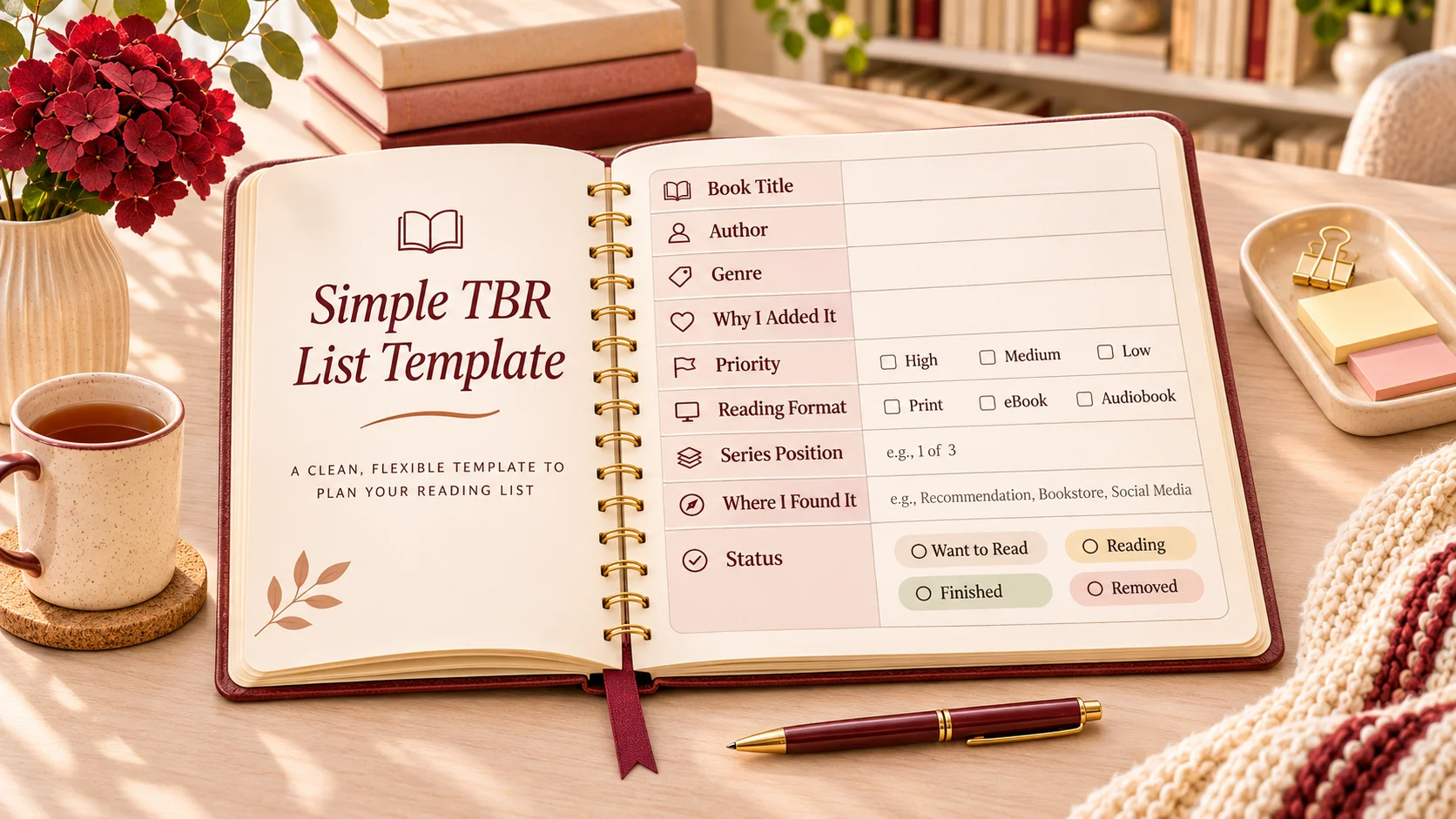
Copy the fields you want into a notebook or digital list. Keep the rest optional. Title, author, reason, and priority are enough for a useful first version.
Book Title:
Author:
Genre:
Why I Added It:
Priority:
Reading Format:
Series Position (if applicable):
Where I Found It:
Status:
Status options: Want to Read, Reading, Finished, Removed. Priority tells you when you might choose it; status tells you what has happened to the entry.
For a compact list, one row can look like this. The title and author below are fictional:
| Book | Why I Added It | Priority / Status |
|---|---|---|
| The Lantern at Low Tide by Mara Fenwick | Short coastal mystery | Read Soon / Want to Read |
A separate page or note can hold any extra fields. You do not need a very wide table to keep useful information.
Example: What a Realistic TBR List Looks Like
Every book and author in this example is fictional. These entries illustrate organization rather than recommend real publications.
| Book | Genre | Why I Added It | Priority |
|---|---|---|---|
| The Lantern at Low Tide by Mara Fenwick | Mystery | Short coastal puzzle | Read Soon |
| A Garden for Tuesday by Ellis Rowan | Contemporary fiction | Want a gentler change of pace | Read Soon |
| Beyond the Copper Moon by Iona Reed | Science fiction | Interested in its imagined setting | Read Later |
| The Mapmaker’s Second Summer by Theo Vale | Historical fiction | Suggested by a friend | Read Later |
| Small Kitchens, Slow Sundays by Lena Ash | Food writing | Curious about the subject | Read Later |
| The Orchard of Glass by Nessa Brook | Fantasy | May want a longer series later | Maybe Someday |
| Listening to the Harbour by Arlo Wren | Poetry | Try something outside usual genres | Maybe Someday |
A reader wanting a suspenseful weekend might choose The Lantern at Low Tide. Someone wanting a quieter change could choose A Garden for Tuesday. The other books remain available without competing equally for the next slot. If a Read Later title suddenly sounds more appealing, move it up.
Physical vs Digital TBR Lists: Which Is Better?
| Format | Useful For | Possible Limitation |
|---|---|---|
| Notebook | Personalizing a handwritten list | Manual edits; less searchable |
| Notes app | Quick additions and simple groups | Search and organization vary by app |
| Spreadsheet | Sorting, filtering, and custom fields | Can feel too structured |
| Reading app | Book discovery and tracking where offered | Check features, privacy, and availability |
The best format is the one you will maintain. You do not need paid software to begin. Check a tool’s actual capabilities rather than assuming it has a particular integration or privacy setting.
If you change formats, move your current shortlist first. You can bring over the rest gradually instead of spending your reading time rebuilding an archive.
How Many Books Should Be on Your TBR List?
There is no universal ideal number. A master list can be long if it works as a collection of ideas. The shortlist has a different job: it should make the next decision manageable.
Some readers prefer five choices; others want ten. Someone with a large library may keep far more titles in the master list without treating them as immediate commitments. Reduce the shortlist if it is hard to browse, not because a particular number is supposedly correct.
How to Stop Your TBR List From Becoming Overwhelming
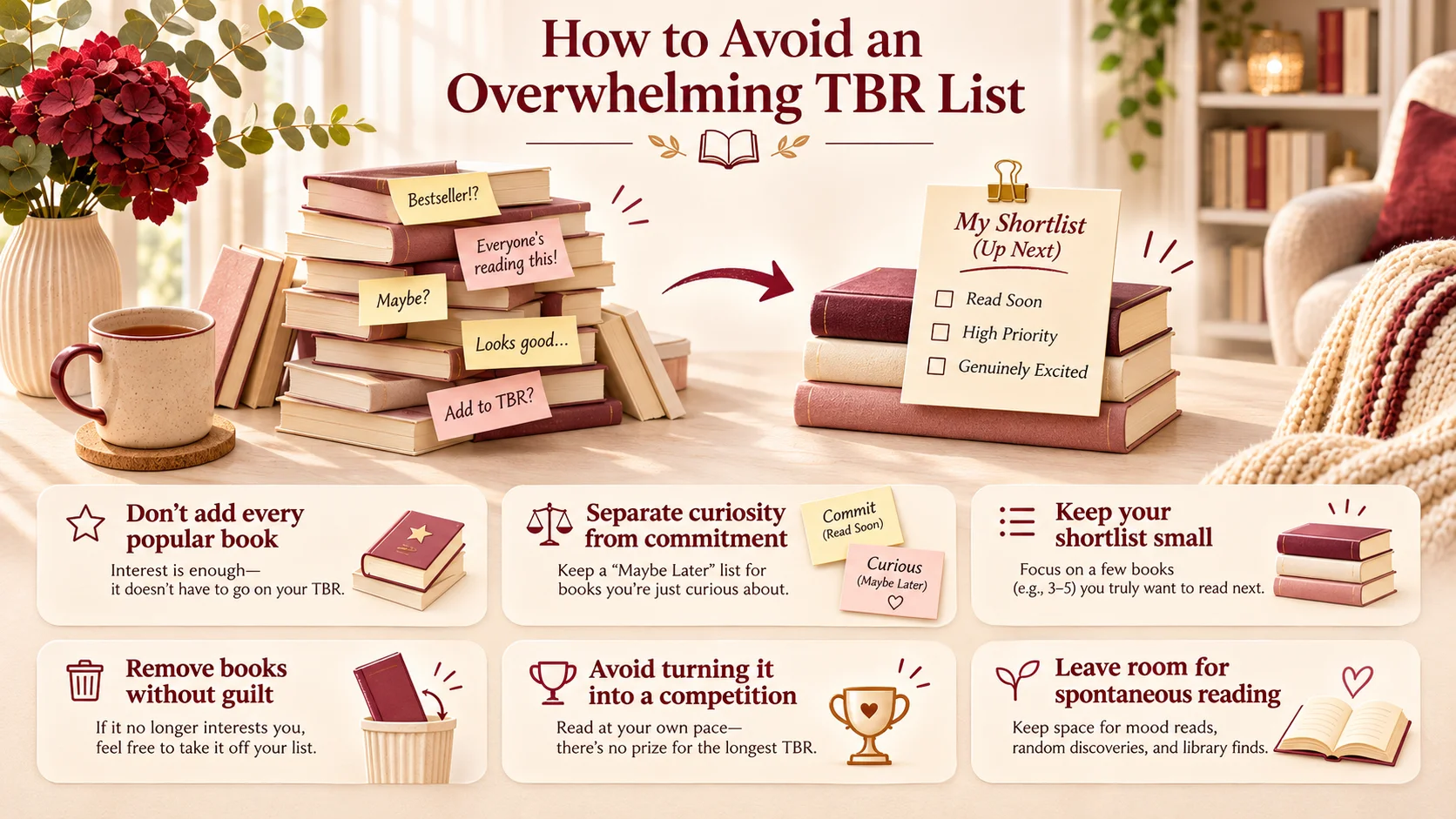
Stop Adding Every Popular Book
Use popularity as a discovery cue, then check the premise and your own interest. A title can be widely loved without earning a place on your list.
Separate Curiosity From Commitment
Maybe Someday can hold a possibility without making it a promise. Recording an interest is not agreeing to finish the book.
Keep Your Current Shortlist Small
Choose a set you can browse quickly and explain to yourself. The master list can hold the alternatives without showing them every time you need a next read.
Remove Books Without Feeling Guilty
If the original reason no longer applies, you can delete or archive the entry. Tastes change, and a useful list reflects that.
Avoid Turning Your TBR Into a Competition
Another reader’s totals do not set your pace. A list that suits your time and curiosity is more useful than one designed to match somebody else’s progress.
Leave Room for Spontaneous Reading
You can choose a book outside the list. If you do, record it only if that helps you. The system should support discovery rather than prevent it.
Should You Delete Books From Your TBR List?
Yes, when they no longer match your interests. Removal is an ordinary part of keeping the list useful, not a failure to follow through.
- Read the description again.
- Ask whether it still sounds appealing now.
- Keep it if the interest is real.
- Move it to Maybe Someday if you are unsure.
- Remove it if there is no longer any reason you want to read it.
You can remove an owned or borrowed book from the priority list without deciding what to do with the physical copy. Organizing possible reading and disposing of possessions are separate decisions.
How to Choose What to Read Next From Your TBR
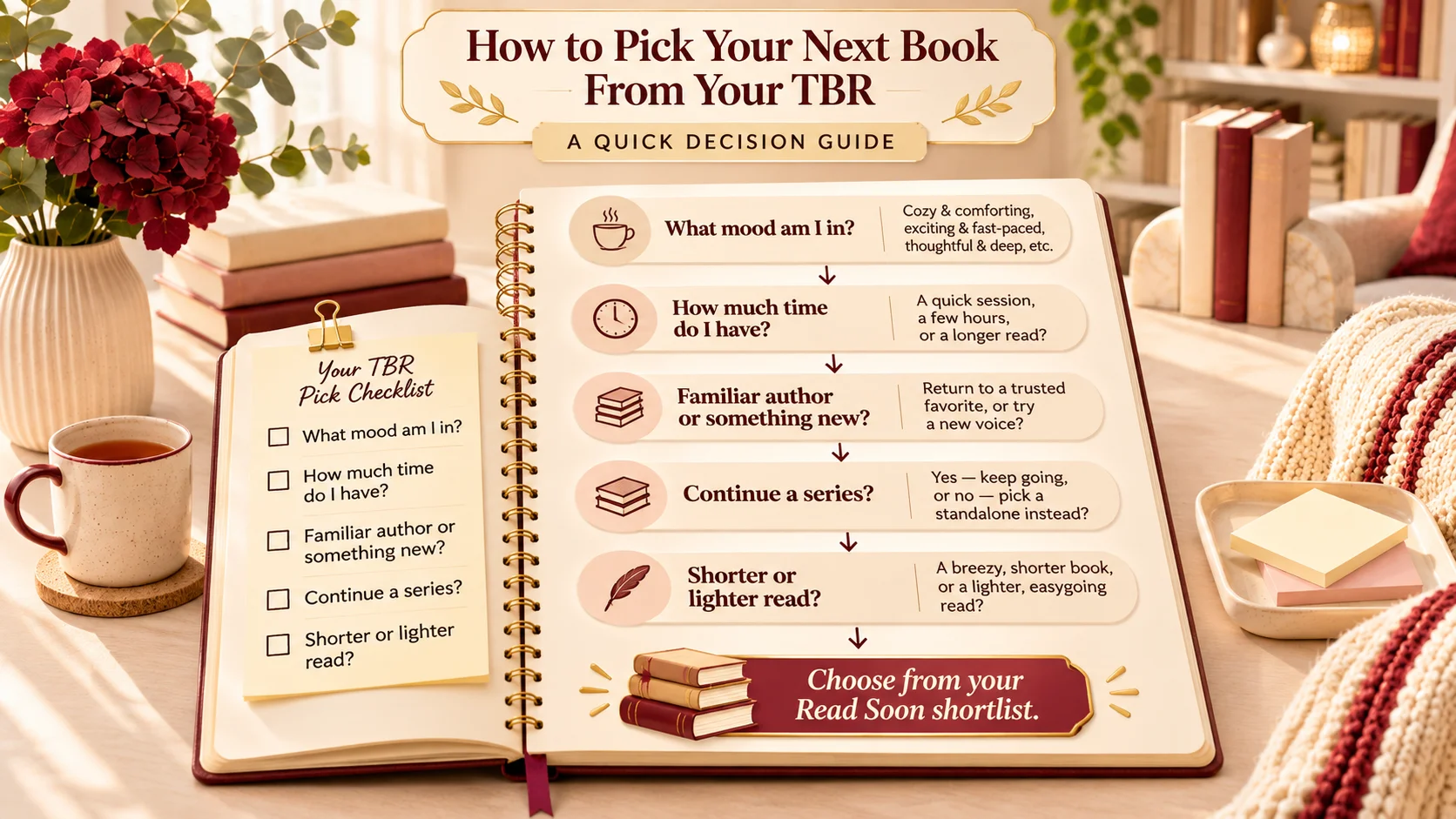
Start with Read Soon and ask:
- What mood am I in?
- How much reading time do I have?
- Do I want a familiar author or something new?
- Do I feel like continuing a series?
- Would a shorter or lighter book suit me better?
For a suspenseful weekend, a reader might choose a shorter standalone mystery from Read Soon rather than begin a long fantasy series. The reason field makes that choice easier to assess; it does not require a scoring formula.
If you want a fuller chooser, use How to Choose What Book to Read Next. If none of your shortlist appeals, refresh it instead of forcing a title simply because it is already there.
A Simple Monthly TBR Reset Routine
Use this as an approximately ten-minute check-in. The times are illustrative, not measured or guaranteed; take longer or stop sooner as needed.
- Minutes 1–2: review the current shortlist and note what still appeals.
- Minutes 3–4: remove or move titles whose reasons no longer fit.
- Minutes 5–6: check newly saved recommendations, record their sources and reasons, and merge duplicates.
- Minutes 7–8: choose a few titles to prioritize and check any relevant series order.
- Minutes 9–10: select a likely next read, leaving room to change your mind.
If a brief weekly inbox check suits you better, use that instead. You do not have to reorganize the whole master list each time.
Your First TBR List: A 10-Minute Setup
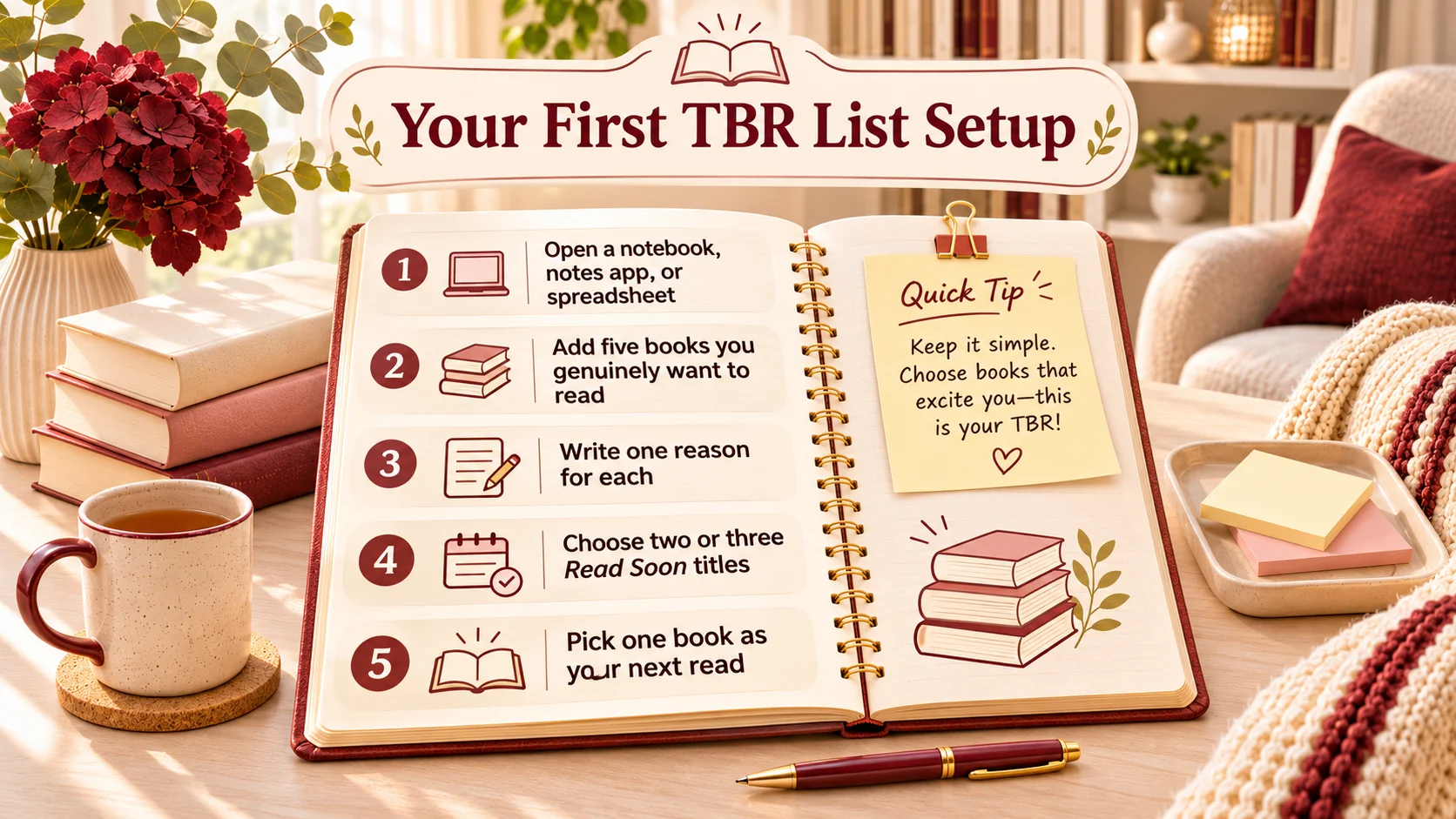
- Open a notebook, notes app, or spreadsheet.
- Add five books you genuinely want to read.
- Write one reason for each.
- Choose two or three as Read Soon.
- Move the remaining titles to Read Later.
- Pick one as your likely next read.
That is enough to begin. Add Maybe Someday or extra fields later if you need them. Choosing a book is more useful than spending an evening designing a system you have not yet tried.
Final Thoughts
A useful TBR list does not have to be short or perfectly organized. It needs to preserve what interests you and make choosing your next book easier.
Begin with five genuinely interesting books and a small current shortlist. Keep the reason behind each entry, change its priority when your mood changes, and remove it when the interest has gone. The list should change with you.
Find Your Next Great Read
Building a useful TBR list is only the beginning. Explore our book reviews and reading guides to discover stories that genuinely match your interests and reading mood.
Use our next-book guide to work through the shortlist. If making time for a chosen book is the separate challenge, How to Build a Reading Habit That Lasts can help you plan the reading itself.
Frequently Asked Questions
TBR means To Be Read. It is a list of books you may want to read in the future, rather than a record of completed books.
Choose one main place, add a few titles that interest you, and record a reason and priority for each. Pick a small shortlist to choose from next.
There is no ideal total. Keep a larger master list if it is useful, and a smaller current shortlist that you can browse comfortably. Five to ten is an example, not a rule.
A simple starting system is Read Soon, Read Later, and Maybe Someday. Keep the reason you added each book so you can reassess it later.
Use whichever you will maintain. A notebook suits handwriting, while digital options may make updates or searching easier. Features vary by tool.
Promote books you are currently excited to start into Read Soon. Keep other genuine interests in Read Later and uncertain possibilities in Maybe Someday.
Review stale entries, merge duplicates, and separate the master list from your current shortlist. Remove titles that no longer interest you rather than treating the whole list as a backlog.
Yes. Removing an entry reflects changing interests and does not represent a failed reading commitment.
Try a quick check every few weeks or monthly. You can also clear newly saved recommendations from an inbox weekly if that is easier.